

AI for Small Business: What You Should Actually Be Using
November 4, 2025
You've heard the hype. AI is everywhere. But between the buzzwords and the confusion, what should you actually be using in your small business? Let's cut through the noise.

Start With What's Already There
Before you pay for anything fancy, use what's free and already works:
- ChatGPT or Claude for writing help. Draft emails, brainstorm ideas, rewrite clunky paragraphs. It's like having a writing assistant who never sleeps.
- Gmail's Smart Compose for faster emails. It's already built in. Just start typing and let it suggest the rest.
- Grammarly for catching embarrassing typos before you hit send.
The Actually Useful Stuff
Once you're comfortable, these tools solve real problems:
- Chatbots for your website. Tools like Tidio or Intercom answer basic customer questions 24/7. You stop playing phone tag, customers get instant answers.
- Canva's AI tools for social media graphics. You don't need a designer anymore. Just describe what you want, and it creates it.
- Transcription tools like Otter.ai for meetings. Never take notes again. Just review the transcript later.
What to Skip (For Now)
Don't waste money on AI that promises to "revolutionize" your entire business. You don't need custom AI models or enterprise solutions. You need tools that save you time today.
The Real Question
Ask yourself: What eats up my time that shouldn't? That's where AI helps most. Start small. Pick one tool. Use it for a week. If it saves you even an hour, keep it. If not, move on. AI isn't magic. It's just a really good shortcut.

Since our rebrand, one question keeps landing in our inbox: "Do you still recycle?" Yes, we do. And we'll come get it.
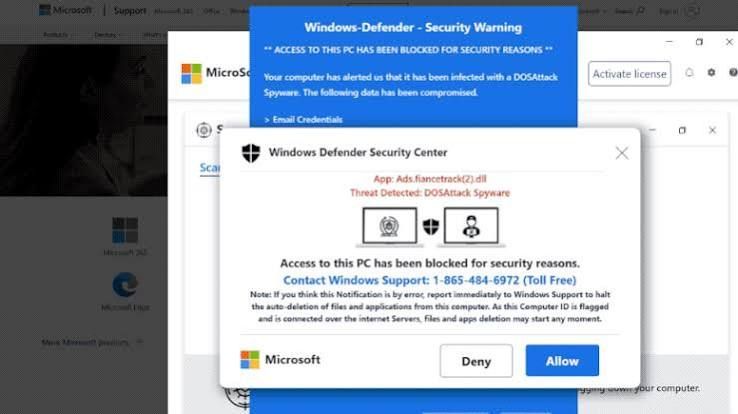
Is That Windows Update Real? How to Spot a Fake in 10 Seconds This month, several of our clients called us before clicking a "Windows security update" message. That was exactly the right move. Here's how you can tell the difference on your own.
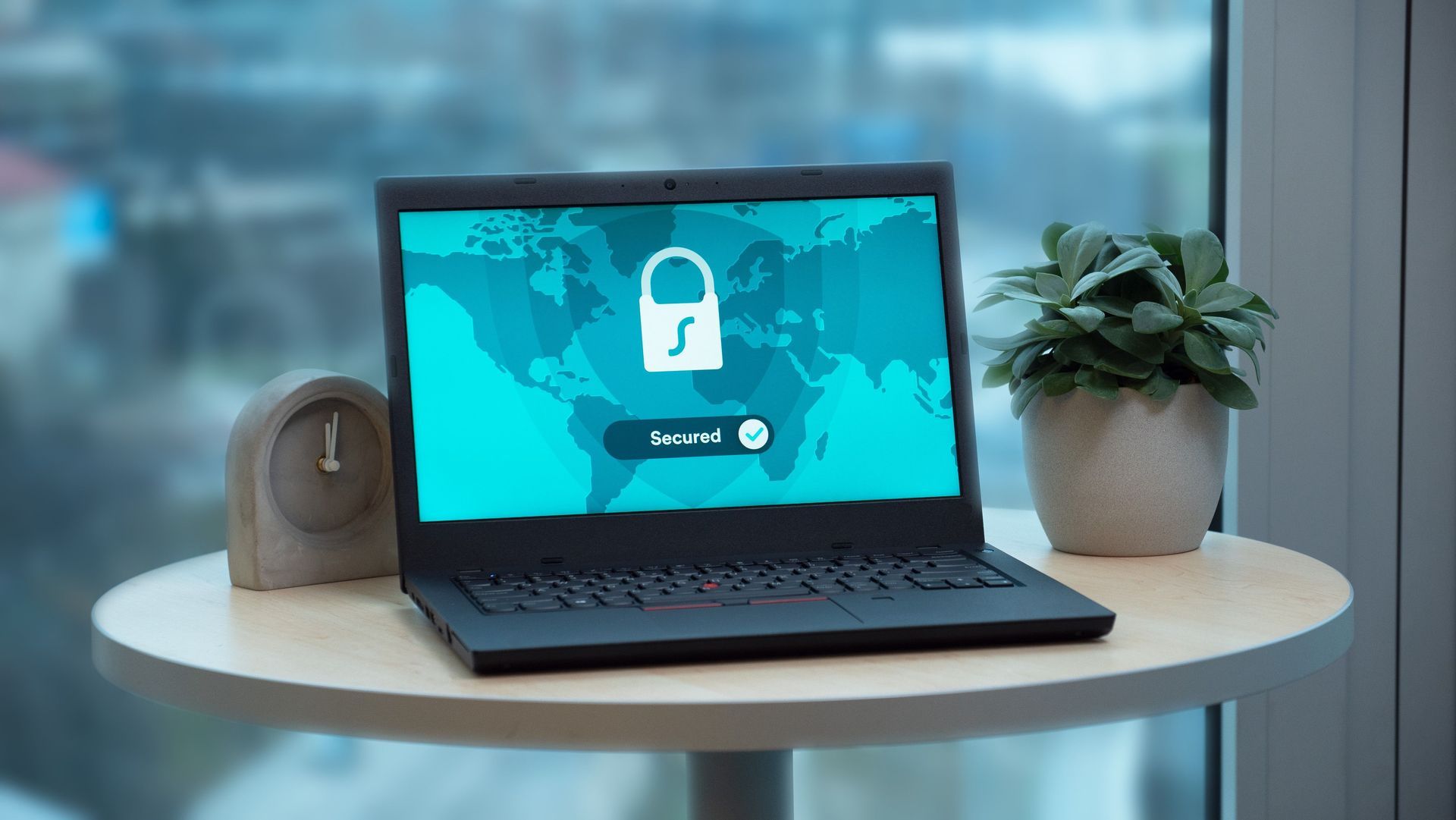
Most people think a hacked computer looks like something: a scary popup, a frozen screen, a ransom note. But some of the most dangerous software on a computer never shows itself at all.