
Is Public Wi-Fi Killing Your Business Security?
That free coffee shop Wi-Fi might be costing your business more than your latte. Public Wi-Fi is convenient—but it’s also one of the easiest ways for hackers to steal logins, emails, and customer data. Many business owners and employees use it daily without realizing just how risky it can be. Let’s break it down.
What Makes Public Wi-Fi Dangerous
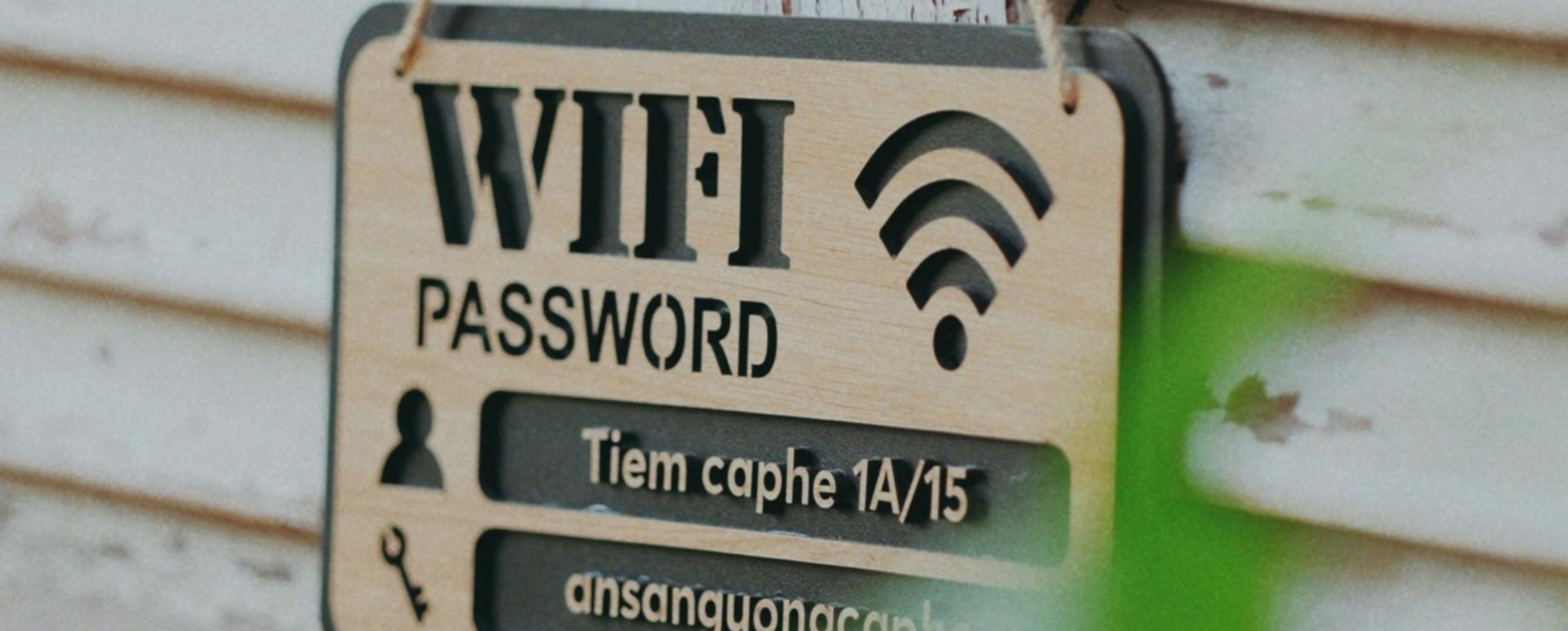
When you connect to an open Wi-Fi network (like in an airport, hotel, or café), your device is sharing the same network with total strangers. That means anyone on that same network could:
- See what you’re doing if the connection isn’t encrypted
- Steal passwords or emails through fake “look-alike” hotspots (like “Free_Coffee_WiFi”)
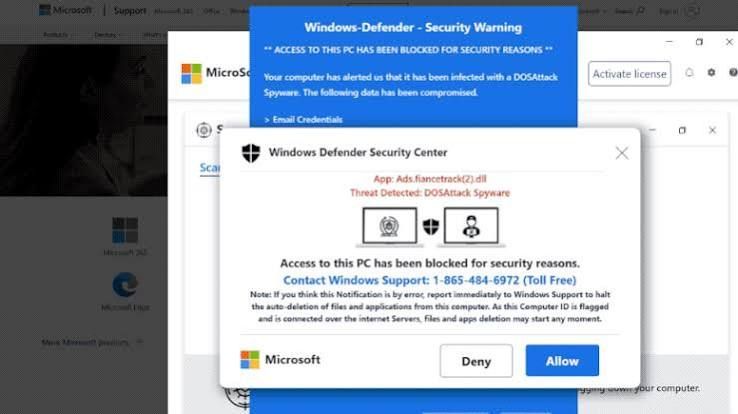
- Install malware on your device by tricking you into clicking a pop-up or link
You’d never hand a stranger your work laptop—connecting to unsecured Wi-Fi is basically the same thing.
Real-World Example
A small accounting firm once sent client files while connected to airport Wi-Fi. A hacker intercepted the traffic, stole login credentials, and gained access to their cloud drive. The firm spent weeks cleaning up the mess—and thousands in lost trust and recovery costs.
The scary part? It happened in minutes.
How to Stay Safe
Here’s how to protect your business data without giving up convenience:
1. Use a VPN (Virtual Private Network)
A VPN encrypts your connection so even if someone is snooping, they can’t read your data. Many business-grade antivirus or security suites include this feature.
2. Stick to Secure Connections
Always look for https:// before typing in passwords or making payments. If the site doesn’t have that little lock icon, don’t log in.
3. Turn Off File Sharing and Auto-Connect
Disable “automatically connect to open networks” on your laptop and phone. This prevents your device from hopping on a rogue hotspot without you noticing.
4. Use Mobile Hotspots When You Can
Your phone’s data connection is far safer than public Wi-Fi. If you travel often, consider giving your team a mobile hotspot or data plan for remote work.
5. Educate Your Team
Most data breaches start with human mistakes. A quick 15-minute training on Wi-Fi safety can save your business from major damage.
Bottom Line
Public Wi-Fi isn’t free—it can cost you your data, your reputation, and your customers’ trust. The safest route?
- Use a VPN.
- Use mobile hotspots when possible.
- Teach your staff to think twice before connecting.
A little caution today can save your business from a very expensive “lesson” tomorrow.