

Simple Cybersecurity Tips to Keep Your Family Safe Online
July 30, 2025
Simple Cybersecurity Tips to Keep Your Family Safe Online
As we become increasingly connected and reliant on technology, cybersecurity has never been more critical. We face unique challenges to protect your data and devices from cyber threats. Here's a simple cybersecurity checklist safeguard your home.
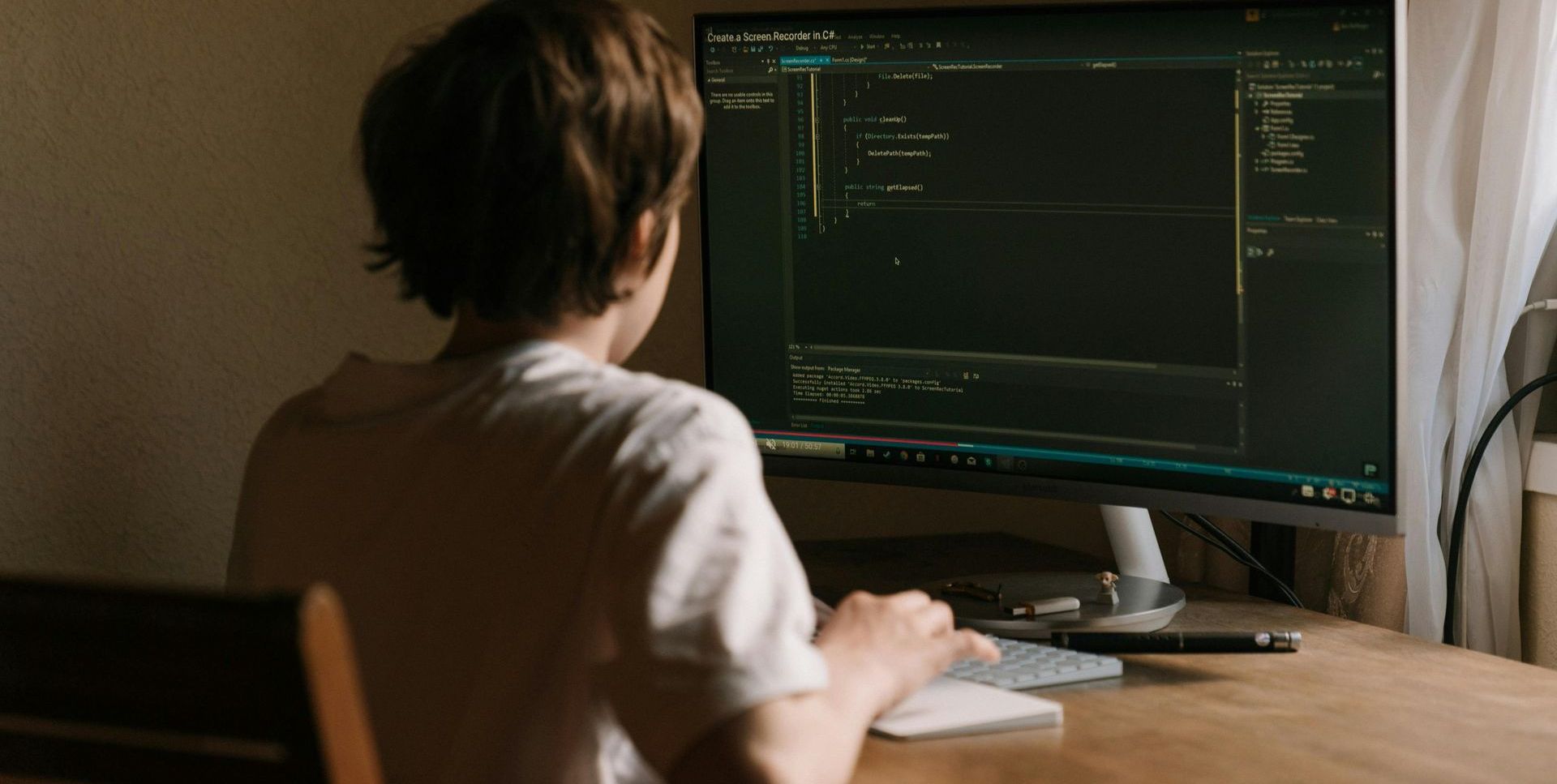
Use Strong Passwords
- Choose long passwords made up of letters, numbers, and symbols.
- Don’t reuse the same password for different accounts.
- Using a password manager can help you keep track.
Keep Your Devices Up to Date
- Always install updates for phones, tablets, and computers when they’re available.
- Updates help fix security issues and keep you safe.
Protect Your Wi-Fi
- Change the default name and password on your home Wi-Fi.
- Use a strong password that isn’t easy to guess.
Be Careful Online
- Don’t click on suspicious links or emails, even if they look real.
- Only shop on secure websites (look for “https” at the start of the address).
Back Up Your Important Files
- Save copies of valuable photos and documents on an external drive or in a secure cloud account.
- This protects you in case your computer gets hacked or breaks.
Teach Your Family Safety
- Make sure everyone at home knows not to share passwords or personal info with strangers online.
- Remind kids and older adults about common scams and suspicious messages.
Use Two-Step Verification When Possible
- Turn on two-step authentication (sometimes called “2FA”) for important accounts. This makes it much harder for hackers to get in.
Protect Your Personal Devices
- Set up a screen lock (PIN, fingerprint, face ID) on phones and computers.
- Don’t leave devices unlocked or unattended in public.
Shred Personal Papers
- Destroy documents with sensitive info like your Social Security number or banking details before throwing them away.
Monitor Your Accounts
- Check your bank and credit card statements regularly for unfamiliar charges.
- If something looks wrong, report it right away.
Cybersecurity is all about simple habits. Following these basic steps can help keep you and your family much safer online.
Click here to download our printable checklist:
topcity.tech/home-cybersecurity-checklist.

Since our rebrand, one question keeps landing in our inbox: "Do you still recycle?" Yes, we do. And we'll come get it.
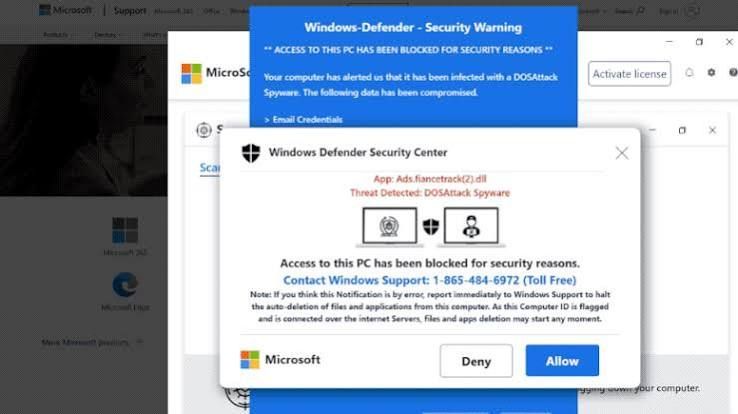
Is That Windows Update Real? How to Spot a Fake in 10 Seconds This month, several of our clients called us before clicking a "Windows security update" message. That was exactly the right move. Here's how you can tell the difference on your own.
Most people think a hacked computer looks like something: a scary popup, a frozen screen, a ransom note. But some of the most dangerous software on a computer never shows itself at all.