
What Happens When Your Computer Drive Is Full?
What Happens When Your Computer Drive Is Full?
Is your computer running super slow? Can’t save files or install updates?
It might be one simple thing: your drive is full.
Let’s break down what that means — and how to fix it.
What Happens When Your Drive Is Full?
1. Everything Slows Down
Apps open slower. Files take forever to load. Your system needs free space to function smoothly — without it, things get sluggish fast.
2. You Can’t Save New Files
Trying to download a file or save a document? If your drive is full, it just won’t let you.
3. Updates Stop Working
Windows and apps need space to install updates. Without it, you could miss out on important security patches and features.
4. Random Crashes or Errors
Too little space can make your computer act weird — freezing, crashing, or showing error messages.
5. Programs Stop Working Properly
Many apps create temporary files while running. No space = no room for them to work.
How to Fix It
Freeing up space is easier than you think:
- 🗑️ Empty your Recycle Bin
- 📂 Delete large files you no longer need (like old videos or installers)
- 🧽 Run Disk Cleanup on Windows
- 🧰 Uninstall unused programs
- ☁️ Move files to cloud storage or an external drive
Still Stuck?
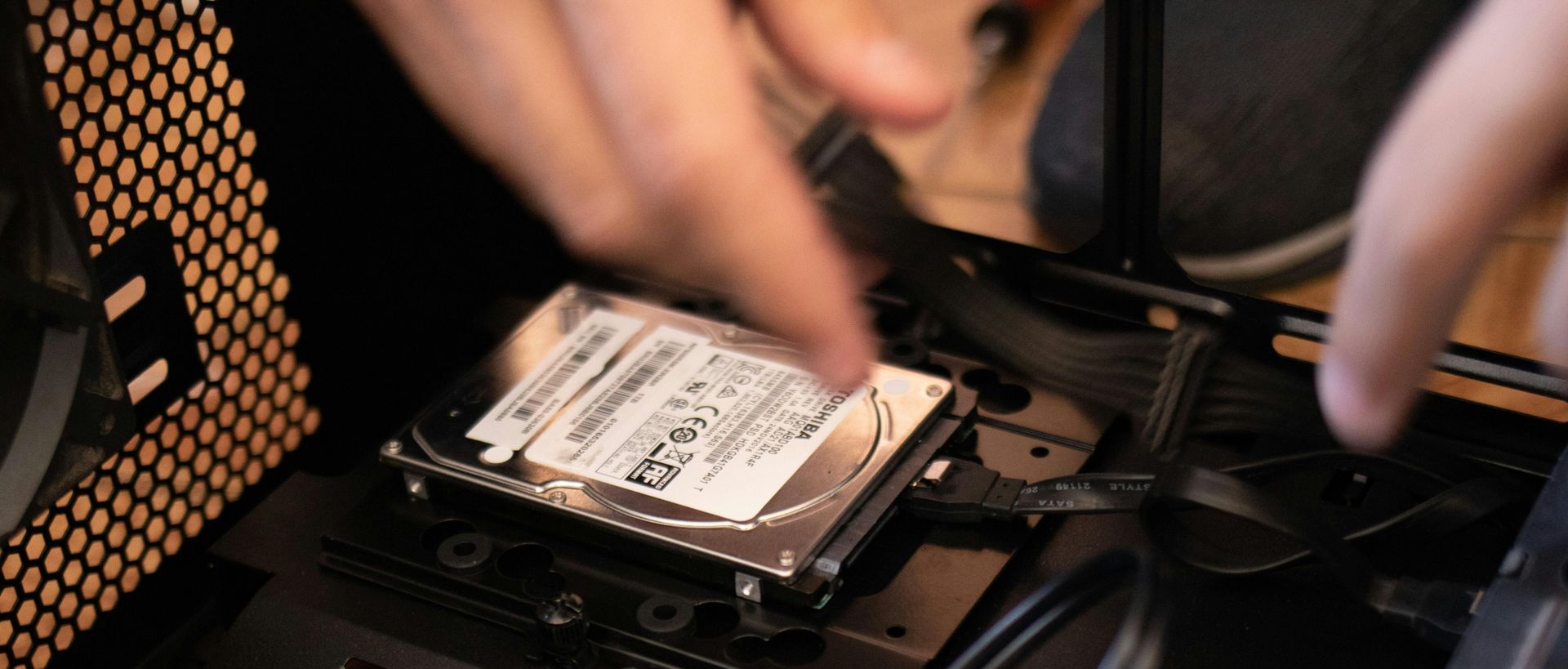
If your drive stays full no matter what you delete, it might be time for a storage upgrade. Top City Tech can help:
- Clean up your system safely
- Install a larger, faster drive
- Transfer your data without losing anything
📞 Need help? Contact us — we’ll get your PC back in shape.